particle_template command
Purpose
Command for defining a particle type (examples).
Note
This command is supported by Aspherix GPU.Syntax
particle_template keyword value
Keyword |
Description |
|---|---|
id |
obligatory, user-assigned name for the command call |
material |
obligatory, name of the material defined with the material_properties command |
composition |
name of the composition defined with the composition_properties command |
available options:
sphere, multisphere, fiber, bonded, fragments, superquadric,If the
shape keyword is not specified, the shape given by the particle_shape is usedif this is unique; otherwise the keyword is obligatory
|
|
ID of the group of particles on which the command is applied |
|
seed |
random number generator seed (positive integer)
range: [1,∞)
|
path to a STL/OBJ file which contains the overlay mesh for this particle. For convex particles this
will be taken from the
convex_bodies_file (if available and not set here explicitly) |
|
minimal allowed particle volume, simulation will fail if too small particles are created
default: 1e-12; units: [length^3]
|
|
coarsegraining |
Coarsegraining value to apply to this particle template.
This setting is mutually exclusive with the coarsegraining command and only works with
the particle shapes sphere, multisphere, superquadric, convex and concave
default: 1
|
Every shape requires shape-specific keywords.
Shape-specific keywords:

|
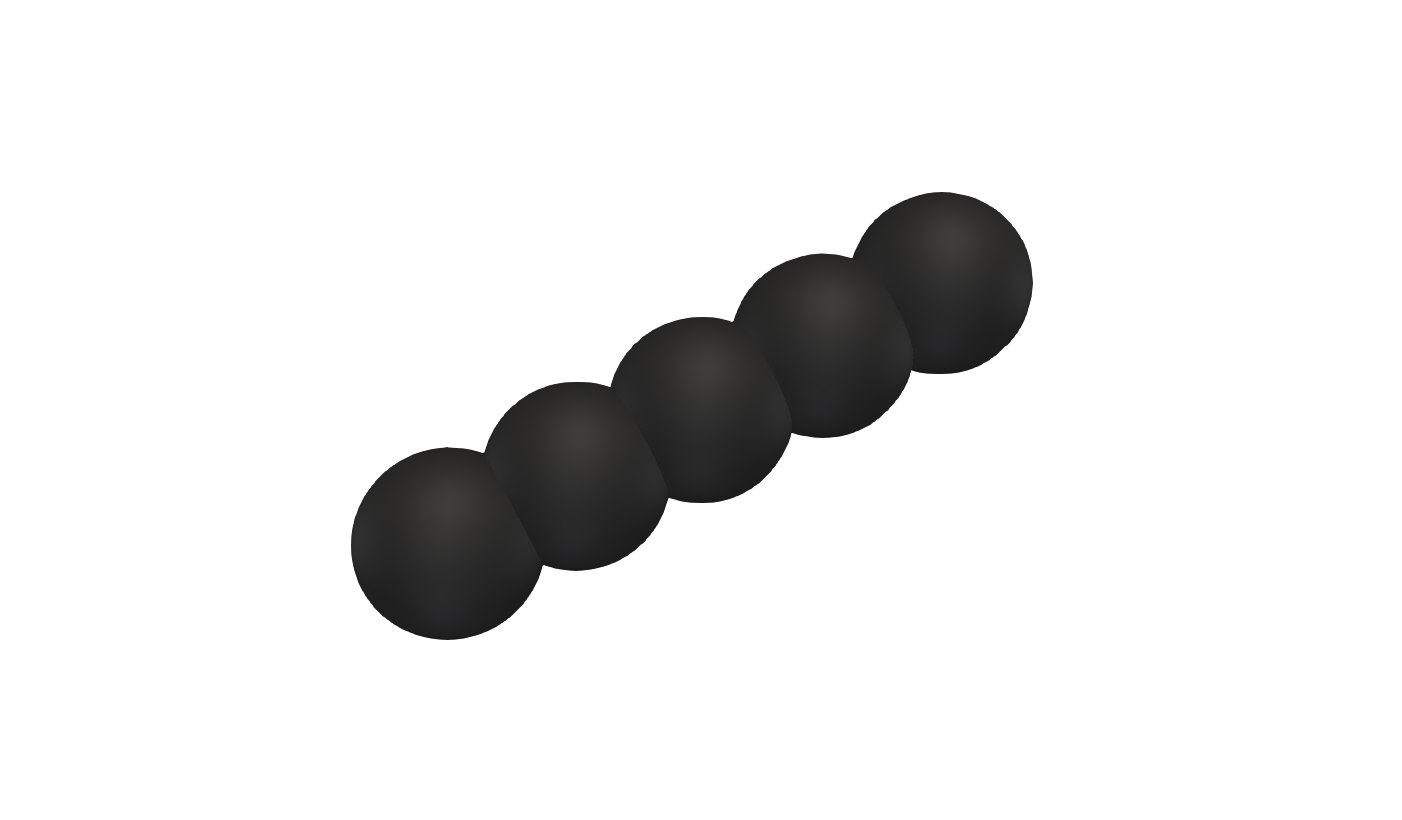
|
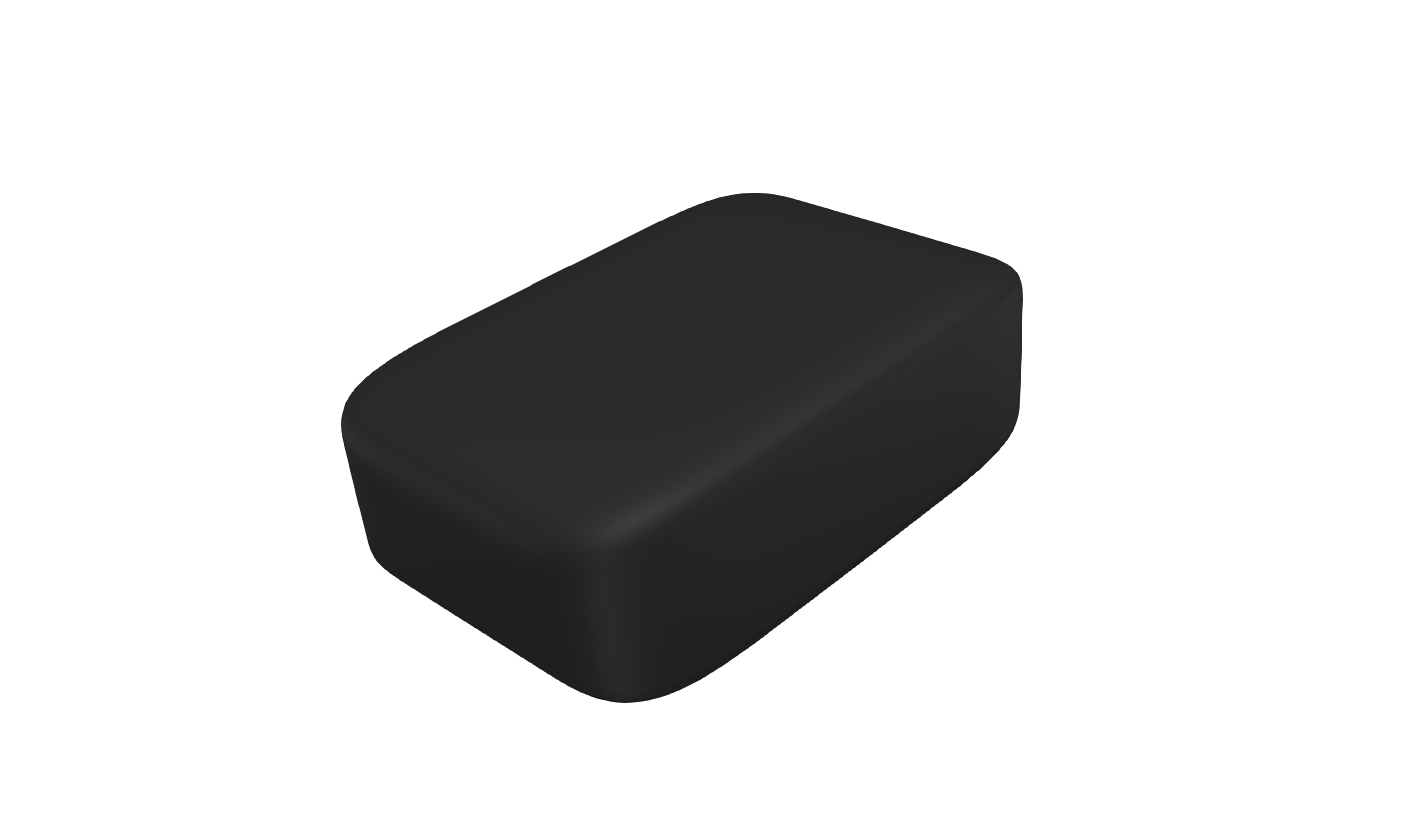
|
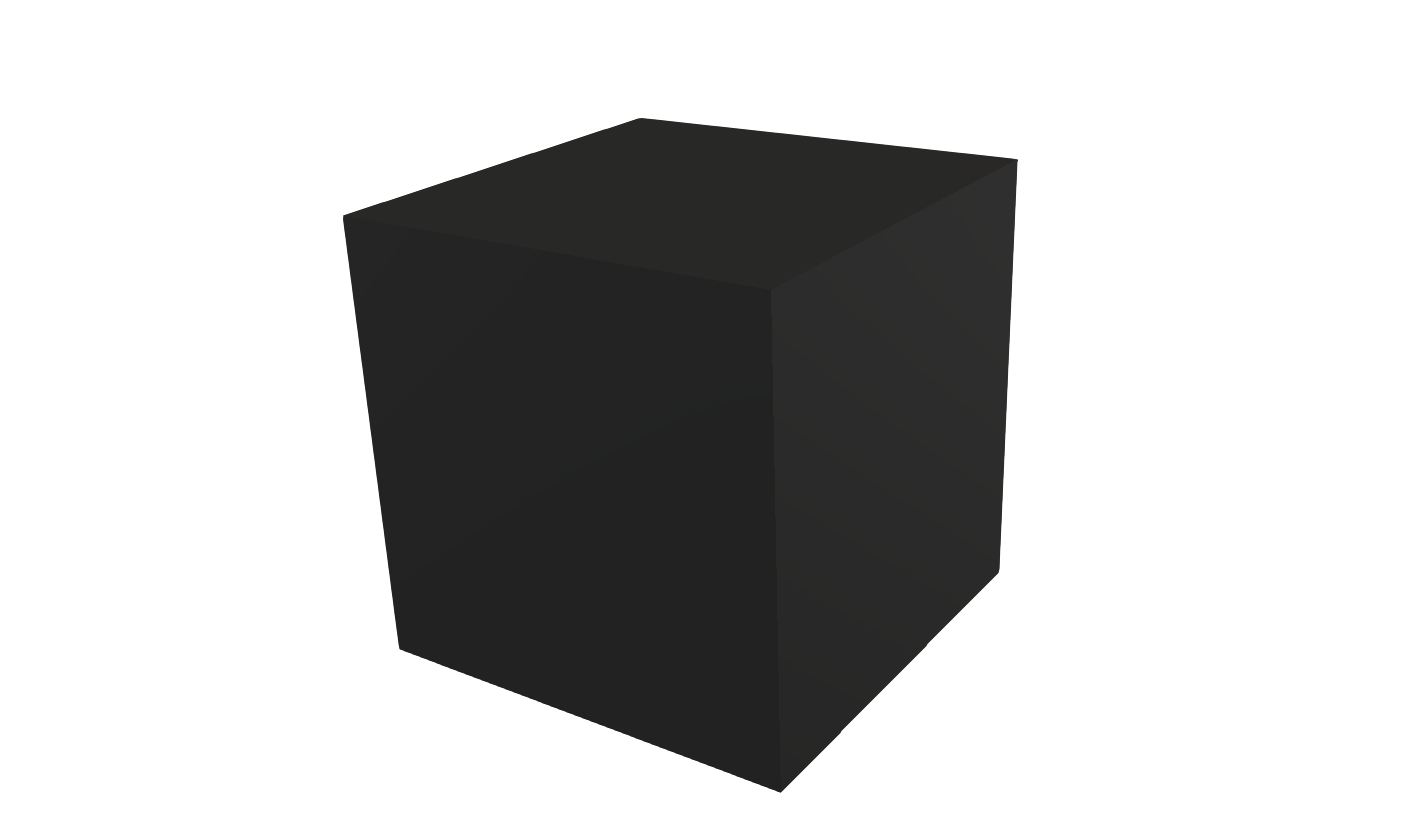
|

|
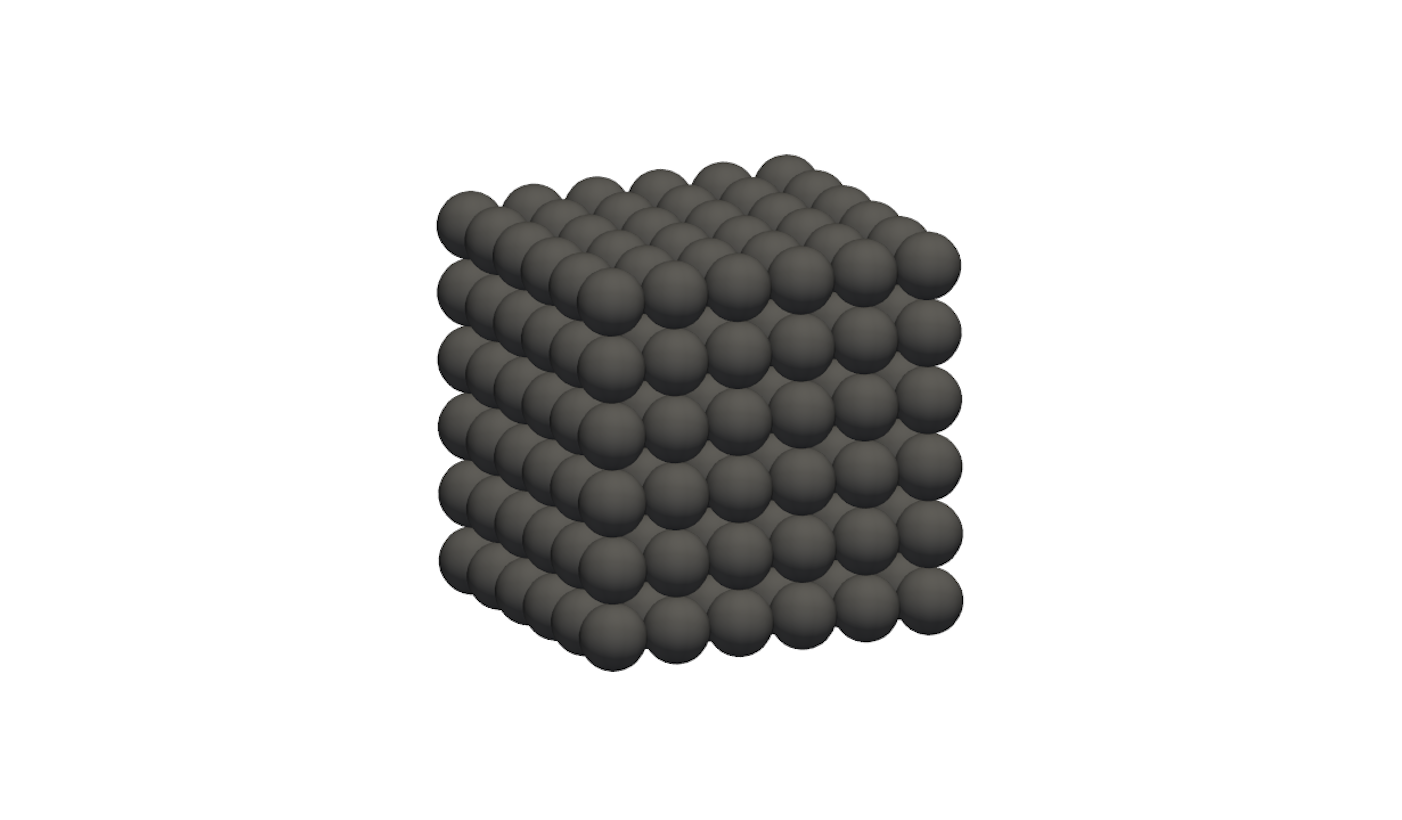
|
|
|
Examples
particle_template id mySpheres material steel shape sphere radius 0.001

particle_template id mySpheres material steel shape sphere radius 0.001 composition composition1

particle_template id myMultispheres material glass shape multisphere file myFile.txt

particle_template id mySuperquadric material tablets shape superquadric &
    semiaxis (0.05,0.04,0.06) blockiness (3,4)
particle_template id myConvexParticles material rock shape convex file myRock.stl

particle_template it myConcaveParticles material steel shape concave convex_bodies_file data/a.asx

particle_template id myConcaveParticles material rubber shape concave convex_bodies {c1,c2,c3}

particle_template id myBonded material grass shape bonded file flexible_cube.csv

particle_template id myFibers material grass shape fiber file grass_blade.csv
Description
This command defines a particle type that is used as input for the
particle_distribution command, multiple
particle_template commands with different IDs can be used in the same
simulation.
Every particle template has a specific shape which must match thei
particle_shape that was chosen for the entire simulation.
This keyword is only mandatory for simulations with particle_shape mixed, in
all other cases it can be omitted. Ever particle shape requires case specific
keywords which are listed in the shape-specific articles
(sphere, multisphere,
superquadric, convex triangulated,
concave triangulated, bonded,
fiber, fragments).
By default, particles get added to a group, depending on their shape:
Shape |
Group name |
|---|---|
sphere |
sphere_ |
multisphere |
multisphere_ |
superquadric |
superquadric_ |
convex |
convex_ |
concave |
concave_ |
fiber |
sphere_ |
bonded |
sphere_ |
fragments |
sphere_ |
The default groups are created automatically, if they do not exist yet. Particles
can also be added to custom groups using the particle_group
keyword. These groups must be initialized using the define_group
command. The group is converted to an accumulative one if defined
otherwise and this change is indicated by a message in the log file.
Aspherix(R) will throw an error if the particle volume is too small compared
to machine precision (the minimum particle volume is by default set to 1e-12).
This value can be changed by the user using the minimum_particle_volume
keyword.
For visualization / post-processing purposes the overlay_mesh_file can be used
to replace the particle shape in the output with the specified overlay mesh, which
value should contain the path to a STL/OBJ file which contains the overlay mesh for
the particle. Note that this should be used in conjunction with the write_overlay_mesh
option in the output_settings command. For concave particles the
concave_decomposition command can create a convex_bodies_file
the includes the original mesh, which will be used as the overlay_mesh_file by default
(if available and no other overlay_mesh_file was provided for the particle template).
For multisphere, convex and concave particle the scaling of the particle template will be
used to scale the overlay mesh, which is however not the case for spherical and superquadric
particles (the STL/OBJ file needs to have the proper scaling). Furthermore, spherical particles
do not have an orientation, so any overlay mesh will not change its orientation either. As a
workaround one could define the spheres as superquadrics (with a blockiness of 2 to make them
spherical), which do store their orientation.
Additional information
Information about the random state in this command is written to binary restart files so you can restart a simulation with the same particles being chosen for insertion. None of the modify_command options are relevant to this command. No global scalar or vector or per-particle quantities are stored by this command for access by various output commands.
Restrictions
None