particle_template convex command
Purpose
Command for defining convex triangulated particles (examples).
Warning
GPU support for this command has not been tested and may not work as expected.Syntax
particle_template [general_keywords] shape convex keyword value
General particle_template keywords are documented here. This document only describes
the specific keywords for the definition of convex triangulated particles.
Return to the particle_template documentation.
Keyword |
Description |
|---|---|
obligatory; name of the file containing the convex particle ( |
|
principal vector1 off_diagonal vector2; vector1: 3D vector with the principal valuesof the inertia tensor; vector2: vector with the off-diagonal values of the inertia (Iyx, Ixz, Iyz)
|
|
mass assigned to the particle template
units: [mass]
|
|
position vector of the center of mass; if not specified, it is calculated with
the monte carlo approach
units: [length]
|
|
factor for scaling up or down the template
default: 1; range: (0,∞); units: [-]
|
|
vector with factors to scale the template in x, y and z direction
default: (1,1,1); range: (0,∞); units: [-]
|
|
axis vector angle value: vector = axis vector (rotation axis goes through origin)value: rotation angle in degrees
|
¹ The keywords moment_of_inertia, mass and center_of_mass must either
all be given or be omitted altogether.
² The keywords scale and scale_axes are mutually exclusive.
Examples
particle_template id myCube material default shape convex file data/cube_small.stl
particle_template id myCube material default shape convex file data/cube_small.stl scale 0.2
particle_template id myConvexParticles material rock shape convex file myRock.stl mass 10 &
    moment_of_inertia principal (0.266666,0.266666,0.266666) off_diagonal (0.,0.,0.) &
    center_of_mass (0.0, 0.0, 0.0)
particle_template id myCube material default shape file data/cube_small.stl rotate axis (0.,0.,1.) angle 45
particle_template id myDistortedCube material default shape convex file data/cube_small.stl &
    scale_axes (0.2,0.7,2.4)
Description
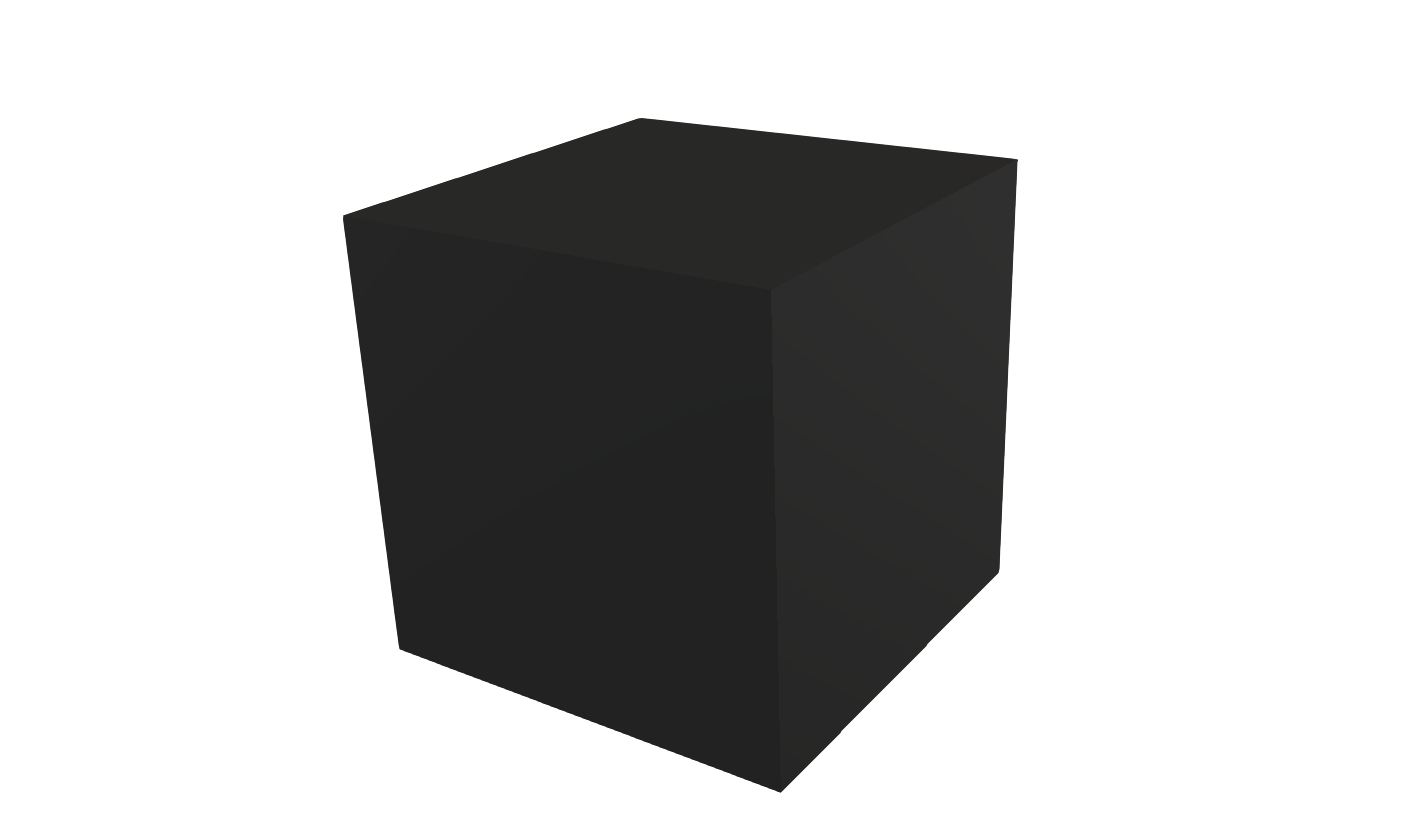
The shape of a convex non-spherical particle is defined by a STL file, which name
is defined by the file keyword. After the convex hull mesh is read, an analytical
formula is used to compute mass, center of mass and the inertia tensor including its
eigensystem. The values calculated are written to the logfile. Note that this assumes
a constant density inside the convex hull.
As an alternative, the body’s mass and inertia tensor can be specified directly via
the keywords mass, center_of_mass and moment_of_inertia. Note that you can only
use these keywords together, i.e. defining only only one or two of them will throw an
error.
The scale, scale_axes and rotate keywords can be used to change
the particle shape after reading the STL file. scale scales the
whole particle by a constant factor. scale_axes scales the particle
by different factors along the cartesian axes, eg. scale_axes
(0.5,1,2) will scale all x coordinates by 0.5, leave y coordinates
untouched, and scale z coordinates by a factor of 2. rotate, along
with its sub-keywords axis and angle, rotates the particle around
an axis through the coordinate origin by a defined angle. An arbitrary
number of operations is allowed, and the operations are executed in
order of appearance in the command.
Note
If mass, center of mass and inertia tensor are not specified,
scale, scale_axes and rotate operations are applied before
these quantities are computed, so the shape transformations will
affect the outcome. If, however, the mass, center_of_mass and
moment_of_inertia keywords are given by the user, then those
values remain unchanged.