particle_template multisphere command
Purpose
Command for defining multisphere particles (examples).
Warning
GPU support for this command has not been tested and may not work as expected.Syntax
particle_template [general_keywords] shape multisphere keyword value
General particle_template keywords are documented here. This document only describes
the specific keywords for the definition of multisphere particles.
Return to the particle_template documentation.
Keyword |
Description |
|---|---|
obligatory; name of the file containing the center coordinates and the radius
of the spheres forming the multisphere (
*.csv or *.txt) |
|
scale |
factor for scaling up or down the sphere positions and radii
default: 1; range: (0,∞); units: [-]
|
principal vector1 off_diagonal vector2; vector1: 3D vector with the principal valuesof the inertia tensor; vector2: vector with the off-diagonal values of the inertia (Iyx, Ixz, Iyz)
|
|
mass assigned to the particle template
units: [mass]
|
|
position vector of the center of mass; if not specified, it is calculated with
the Monte Carlo approach
units: [length]
|
|
yes or no; yes: particle volume calculated from mass and density (if massis defined;
no: particle density calculated from mass and volume (only if mass is used)default:
no |
|
vector describing in which direction to not account for forces (1) or perform normal integration (0)
default:
(0, 0, 0) |
|
vector describing in which direction to not account for torques (1) or perform normal integration (0)
default:
(0, 0, 0) |
|
monte_carlo_steps |
number of tries for Monte Carlo approach
default:
1,000,000, minimum: 10,000 |
integer number that uniquely identifies a multisphere particle template
default:
1 |
* The keywords mass and moment_of_inertia must either both be given or both be omitted.
Note
fix_translation and fix_rotation remove forces and torques in the specified direction(s). If a particle is inserted with a velocity, it will not stay at a fixed position in space but move with a uniform velocity (in the respective coordinate direction). Keep in mind that not accounting for collision forces will affect energy balance.
Examples
particle_template id pts1 material glass shape multisphere file ms.txt

particle_template id pts1 material steel shape multisphere file ms.txt scale 0.1 mass 1e-4 &
     moment_of_inertia principal (0.001, 0.001, 0.001) off_diagonal (0,0,0) center_of_mass (1e-2,0,0)

particle_template id pts1 material glass shape multisphere file ms.txt calculate_volume_from_density yes

particle_template id pts1 material glass shape multisphere file ms.txt fix_translation (0,1,0)

particle_template id pts1 material glass shape multisphere file ms.txt fix_rotation (1,1,1)

particle_template id pts1 material glass shape multisphere file ms.txt monte_carlo_steps 1000 &
     minimum_particle_volume 1e-14 clump_type 2
Description
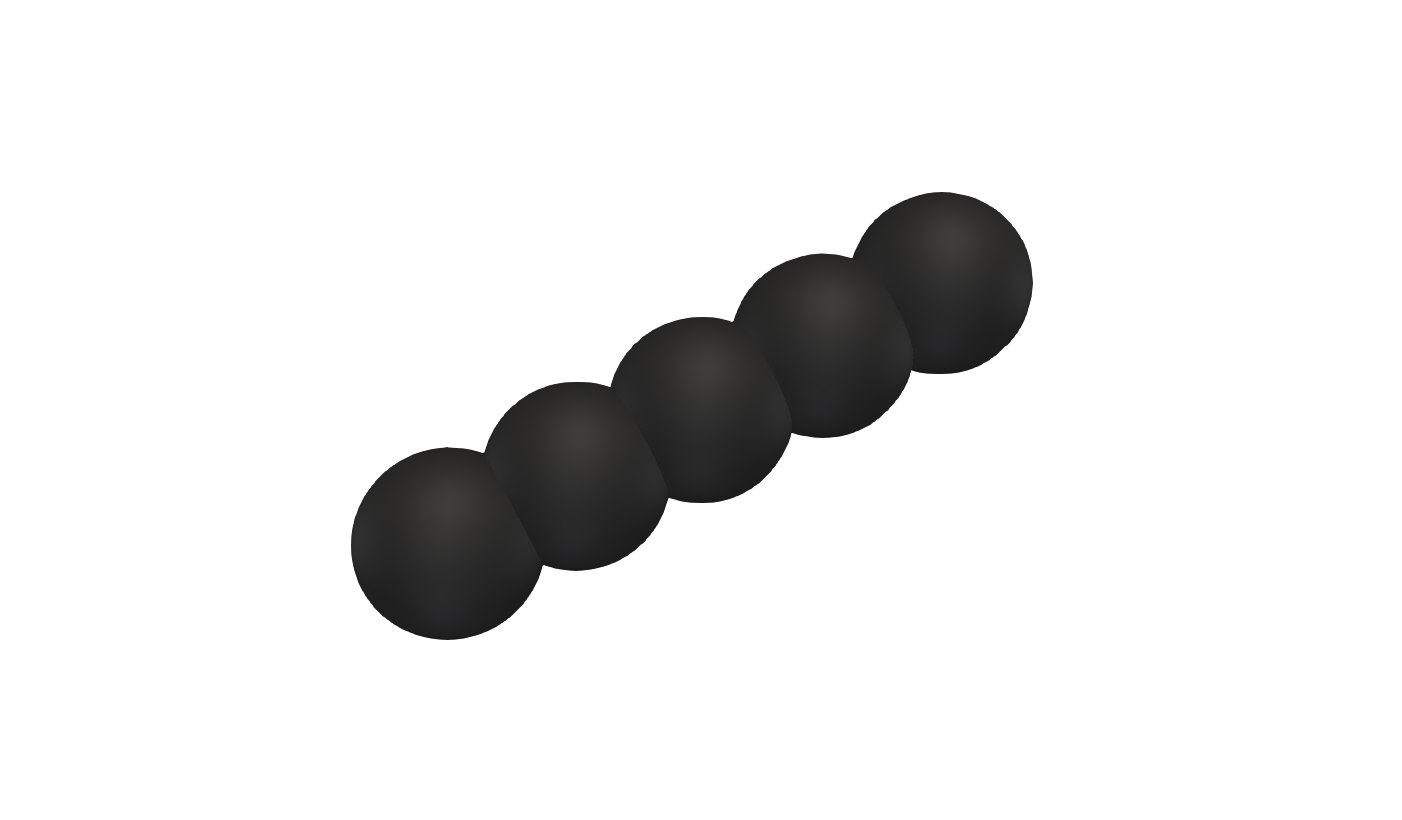
The particle parameters (i.e., positions and radii) are defined via a text file,
which name is set by the obligatory keyword file. The format of this text file
is:
x1 y1 z1 r1
x2 y2 z2 r2
...
xn yn zn rn
where n is the total number of spheres. Comments can be made in this file via the ‘#’ character.
After the spheres are read, a Monte Carlo procedure is used to assess everything that is needed for the motion integration: mass, center of mass, and the inertia tensor including its eigensystem. The values calculated are written to the logfile.
As an alternative, the body’s mass and inertia tensor can be specified directly
via keywords mass and moment_of_inertia. Note that you can use these keywords
only together, i.e. defining only mass but not moment_of_inertia will throw an
error. It should be noticed hat only two out of the three variables density, mass
and volume are independent. Thus, you are offered two options when mass and
moment_of_inertia are used. By default, Aspherix(R) will use the specified mass
and volume_mc (i.e., the volume of the particle template calculated by the Monte
Carlo procedure), and calculate the density from these two variables. Also
the center_of_mass can be specified by using the respective keyword.
If the value of Monte Carlo steps specified by the monte_carlo_steps keyword is not
sufficiently large for statisticaly converged results, the value is automatically increased
by a factor of five and the calculations are repeated with the new value.
If calculate_volume_from_density is set to yes, Aspherix(R) will use the
specified mass and the density of the material
to calculate the the volume of the clump. This setting is rarely used in pure DEM
simulations, but can be helpful in CFD-DEM scenarios where the volume of a multisphere
body might need to be corrected.
The multisphere type as defined via the clump_type keyword must be a unique integer
given to each particle template of shape multisphere by the user (starting with 1).
The list of all multisphere types in the simulation must be consecutive. At the moment,
the multisphere type is not used, but will be used to implement orientation-dependant
drag for CFD-DEM simulations in the future.
The additional keywords fix_translation and fix_rotation can be used to deactivate
selected translational and rotational degrees of freedom of the bodies. For example,
adding fix_translation (0,0,1) and fix_rotation (1,0,0) means that bodies will not move
in z-direction and will not rotate around the x-axis.