particle_template bonded command
Purpose
Command for defining bonded particles (examples).
Warning
GPU support for this command has not been tested and may not work as expected.Syntax
particle_template [general_keywords] shape bonded keyword value
General particle_template keywords are documented here. This document only describes
the specific keywords for the definition of bonded particles.
Return to the particle_template documentation.
Keyword |
Description |
|---|---|
obligatory; name of the file containing the center coordinates and the radius
of the spheres forming the bonded particle (
*.csv or *.txt) |
|
factor for scaling up or down the sphere positions and radii
default: 1; range: (0,∞); units: [-]
|
|
check_template |
yes or no; yes: during the particle template creation checks are performed(if particles overlap) are performed;
no: skip all checks (it is expected thatparticles are non-overlapping!), which will speed up particle template creation
default:
yes |
monte_carlo_steps |
number of tries for Monte Carlo approach
default: 10000
|
radius value position vector; value = radius of the bounding spherevector = position of the center of the bounding sphere
units: [length]
|
|
center_of_mass |
position vector of the center of mass; if not specified, it is calculated with
the Monte Carlo approach
units: [length]
|
Examples
particle_template id myBonded material grass shape bonded file flexible_cube.csv

particle_template id pts1 material material1 shape bonded file bonded.txt scale 0.1 &
     center_of_mass (2.0,0.0,0.0)

particle_template id pts1 material material1 shape bonded file bonded.txt &
     monte_carlo_steps 10000

particle_template pts1 material material1 shape bonded file bonded.txt &
     bounding_sphere radius 1e-2 position (0.001,0,0)
Description
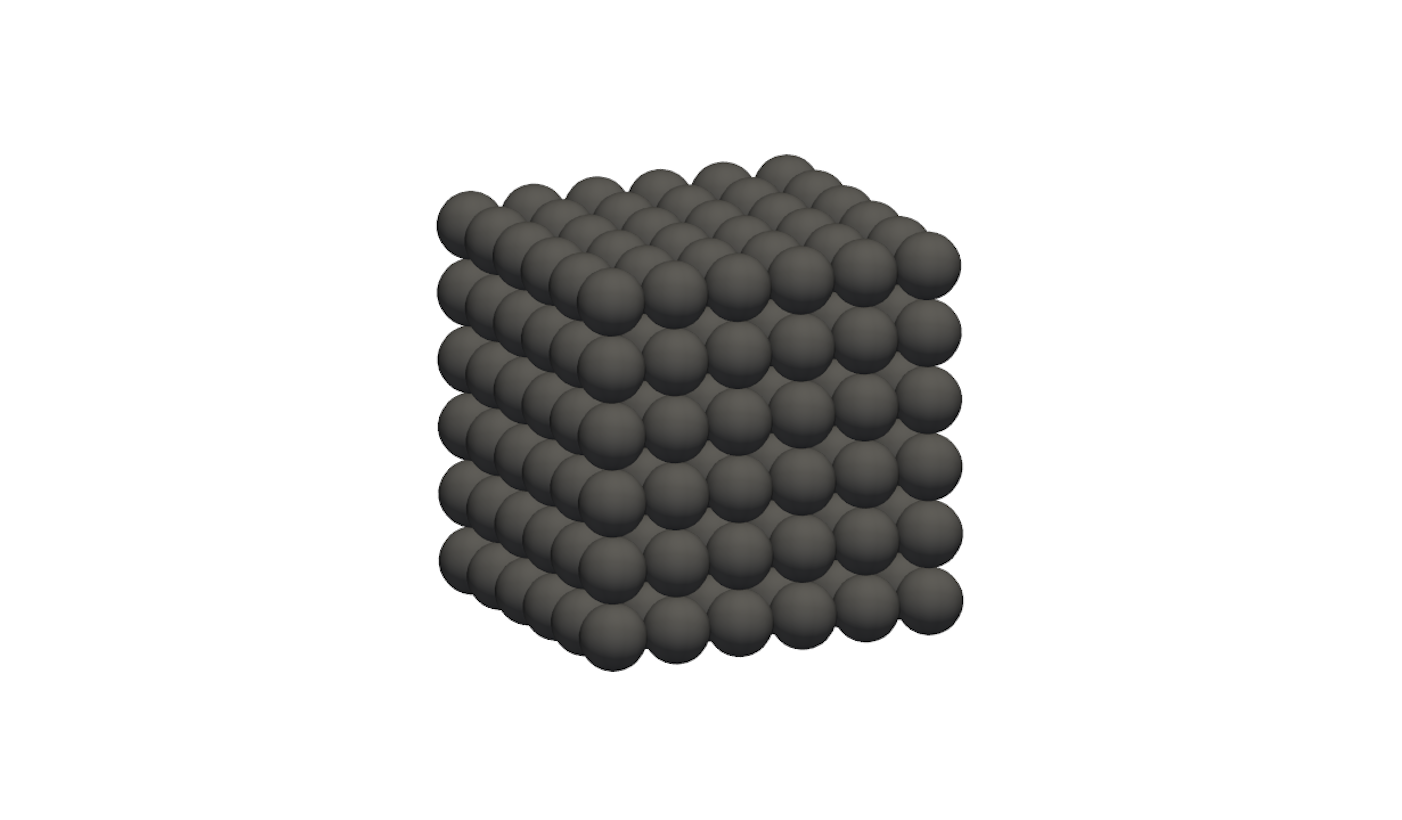
Bonded particles are made of spherical particles that are connected by bonds. The
particle parameters (i.e., positions and radii) are defined via a text file, which name
is set by the obligatory keyword file. The format of this text file is:
x1 y1 z1 r1
x2 y2 z2 r2
...
xn yn zn rn
where n is the total number of spheres, x, y and z is the position of the respective sphere and r its radius. Comments can be made in this file via the ‘#’ character.
Optionally, the keyword scale can be used to define a factor for scaling up
or down the particle positions and radii.
After the spheres are read, a Monte Carlo procedure is used to assess everything that is needed for the motion integration: mass, center of mass, and the inertia tensor including its eigensystem. The values calculated are written to the logfile.
If the cohesion model bond model is used and the particles satisfy its distance criterion, then the spheres are bonded.
Per default, the bounding sphere of the bonded particle is determined with a Monte Carlo
approach. By using the keyword bounding_sphere followed by radius and position
this can be done explicitly. This is of particular interest if the
create_particles command is used for particle insertion and
the exact particle position is required for positioning.
The simulation of fibers requires the usage of the cohesion model bond model or the cohesion model bondRelative and the satisfaction of the cohesion model’s distance criterion. Then, the spheres are connected by bonds.