Overview of Aspherix® output
There are five basic kinds of Aspherix® output:
Output to the terminal
Output to a text file
Output to post-processing file (VTK)
Output to a restart file
Output from a command inside the input script
The following document gives a brief descriptions of these outputs. For more detailed see the specialized output tutorials.
Output to the terminal

Writing output to the terminal is useful to judge the current state of the simulation as user. There are three main ways of achieving this:
Status output: This is used to periodically write information to the screen during the simulation. In general it is used to write information such as the current simulation time, the number of particles, etc.
Print: Used to write a string to the terminal once.
Repeated prints: The write_to_file command can also write its output to the terminal.
For a more detailed description see the tutorial on terminal output.
Output to a text file
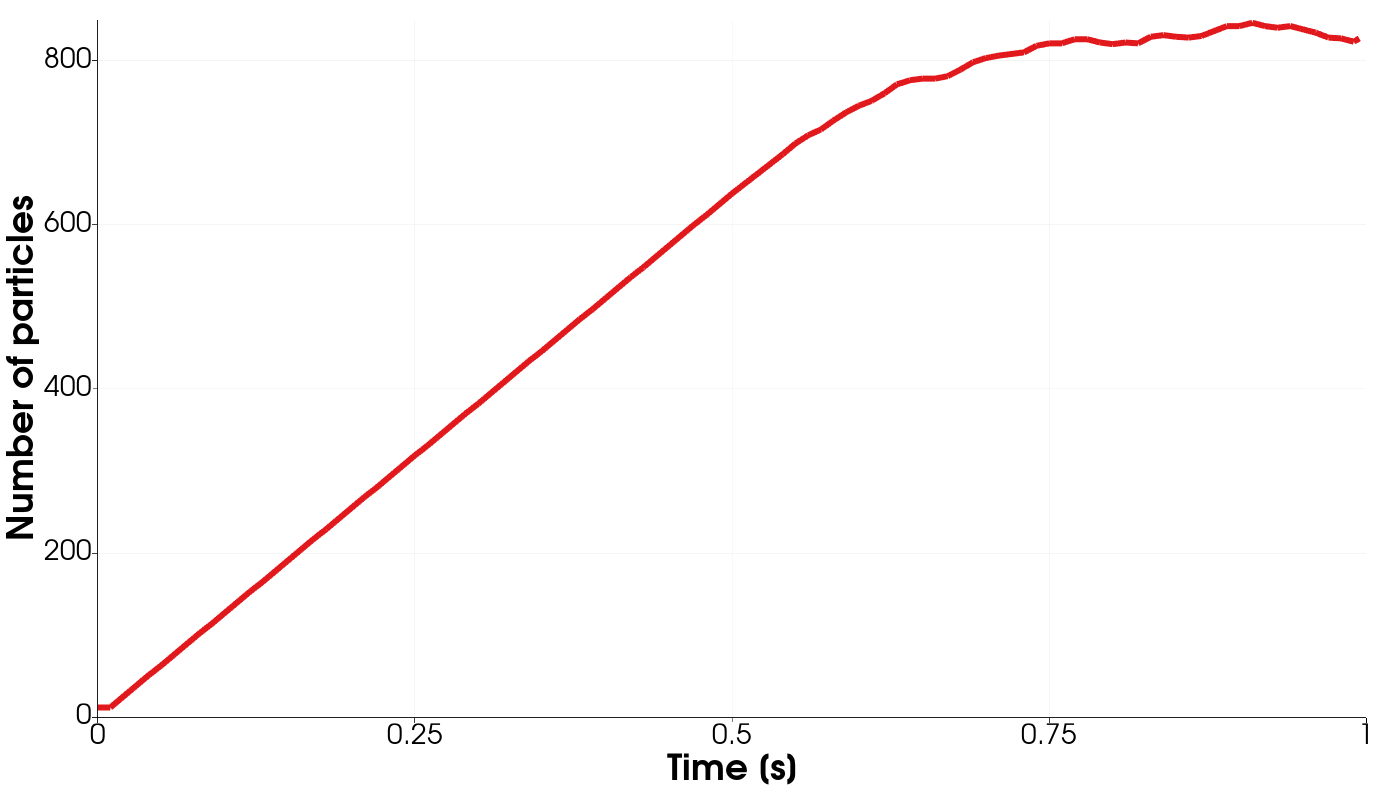
Data written to text files is mainly used for post-processing and reporting, e.g. plotting the number of particles over time.
Status output: The simulation status is not just written to the terminal but it is also automatically written to a .csv file.
Print: The print command can also write a single string to a file.
Write_to_file: The write_to_file is mainly used to write a string periodically to a file.
For a more detailed description see the tutorial on text file output.
Output to a post-processing file (VTK)
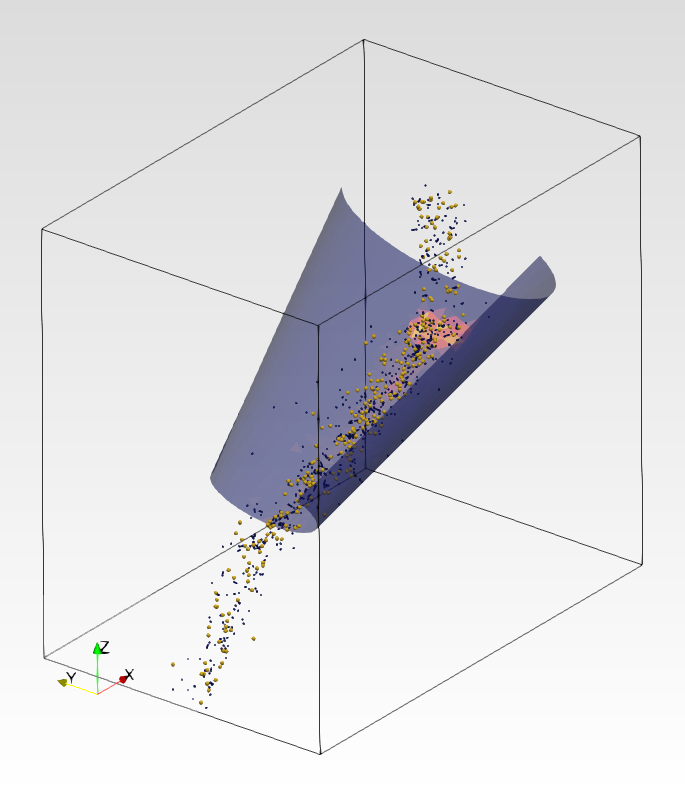
Whether you want to visualize your simulation with ParaView, Ovito or any other software that can read VTK data, Aspherix® provides you with a convenient way of outputting your particle data.
The output_settings command is the recommended way of writing particle and mesh data periodically to a file for later post-processing.
For a more detailed description see the tutorial on post-processing.
Output to a restart file
When you want to split your application case into several simulations you can write your simulation state to a restart file and then continue the simulation by reading this file. There are two main ways of writing a restart file:
write_restart: Write a single restart file
restart: Write restart files periodically during a simulation
For a more detailed description see the tutorial on restart file writing.
Output from a command inside the input script
Many Aspherix® commands produce output that can be used inside an input script for further processing or output to a file or the terminal. An example for such an output is the force acting on a mesh, an output provided by the mesh command.
For a more detailed description see the tutorial on command output.