Output to a post-processing file (VTK)
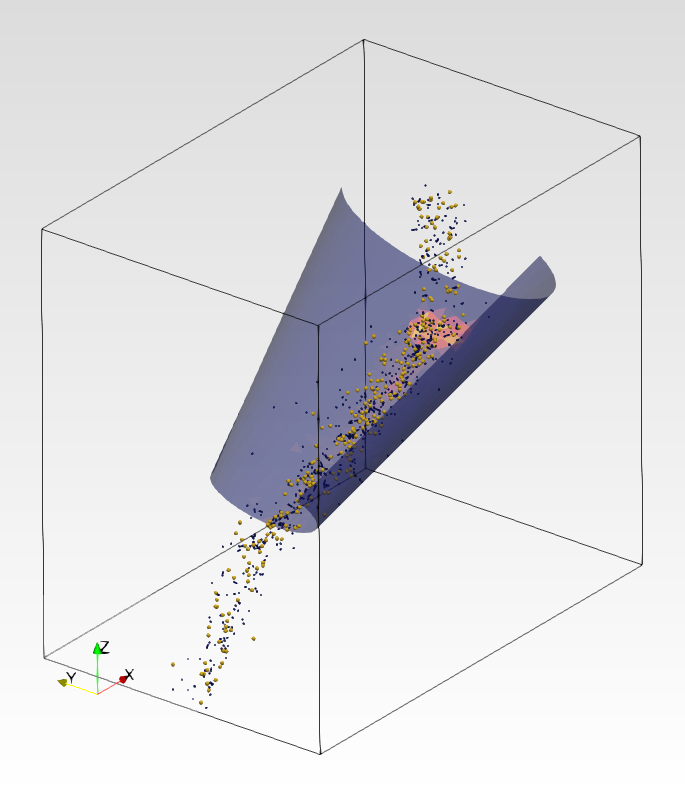
Whether you want to visualize your simulation with ParaView, Ovito or any other software that can read VTK data, Aspherix® provides you with a convenient way of outputting your particle data.
The output_settings command is the recommended way of writing particle and mesh data periodically to a file for later post-processing. This command writes VTK data that by default contains the mesh and particle data, as well as the computational domain. Additionally, it is possible to output particle-particle or particle-wall contact information.
By default, Aspherix® writes the data to the post folder and the file containing links to all other output files is called aspherix_simulation.pvd. It contains the time information data along with file links to the VTK files and it is generally recommended to open this particular file with the post-processing tool of your choice.
The frequency of the writing of the VTK files can be influenced with the write_output_timestep command.
For backward compatibility you can also use the old dump commands but is generally not advised to do so. If you wish to post-process the VTK files generated by output_settings the best option is to use a Python script with the vtk package. This allows to easily load the data and perform operations on it. Note, if you have large data sets it can be crucial how you write such Python scripts as performance can vary significantly. Drop us a message and we will be happy to help out.
With Aspherix 5.3.0 a macro for automatic postprocessing in Paraview was published. For details please have a look at the postprocessing tutorial.