Running the GPU version of Aspherix®
Descriptions
This article describes how to run the hardware accelerated version of Aspherix® on Graphic Processing Units or with OpenMP.
The Aspherix® GPU mode is currently available only on Linux systems. It is under active development and should be considered a beta feature. Both functionality and performance are subject to change.
Overview
Upon startup Aspherix®GPU will identify if a GPU is present and will attempt to use it if possible, and if otherwise it fall back to its OpenMP variant. This behaviour can be influenced by command line arguments (as documented here). Please consult the log file / screen output to confirm that your case is actually executed on the GPU, as for example in that case:

Quickstart
In this section you will learn how to run and post-process a predefined simulation setup using your local GPU. That being said, please make sure your PC is equipped with a suitable GPU.
Use your terminal to navigate to the folder examples/gpu/drum, which is located
in the installation folder of Aspherix.
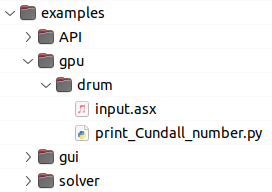
Start the simulation by executing
aspherix -in input.asx -gpu
The simulation will provide output directly to the terminal as well as a
log file (log_aspherix.txt) file and a .csv file. You can for instance use
the python script, that is provided with the case to print the kinetic energy and Cundall
number over time.
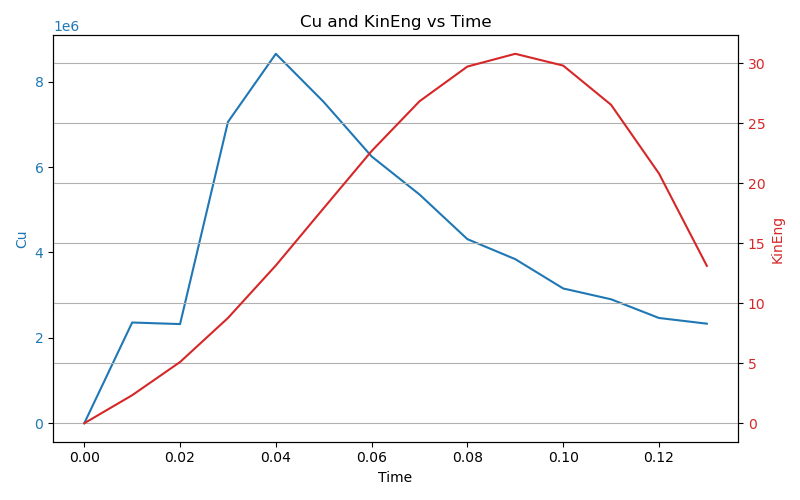
After the simulation has completed, you can use paraview to visualize the particle positions, velocities etc. which are stored in the “post” folder. Please find details on post processing here postprocessing tutorial.
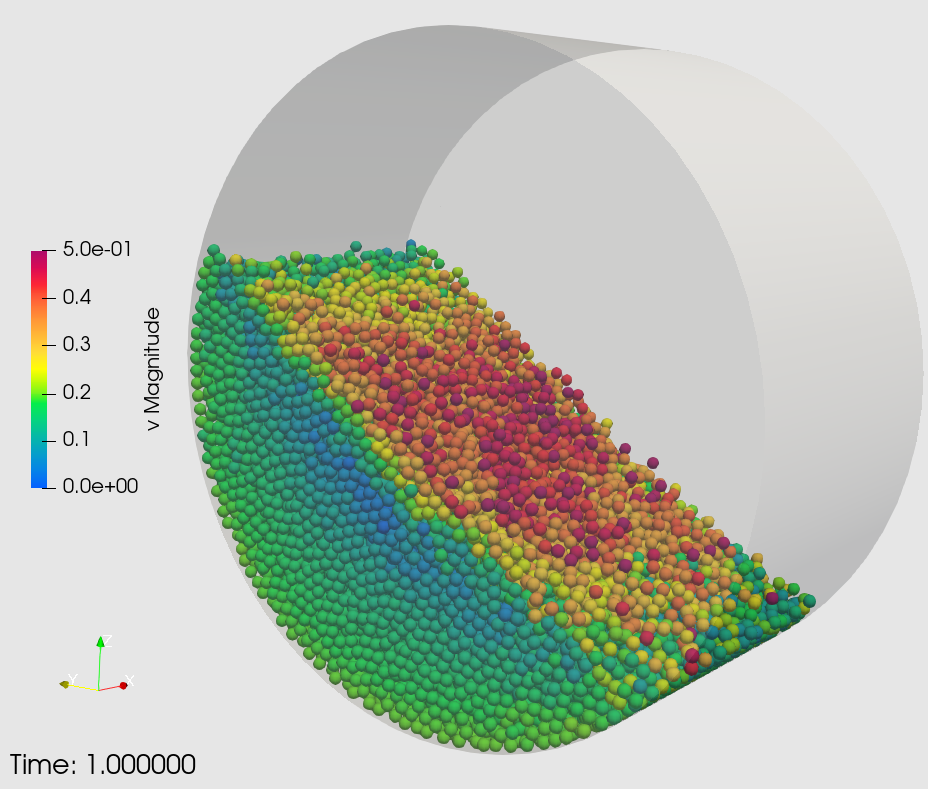
The case setup consists of a horizontal rotating drum, which is filled with particles. Due to gravity, the randomly inserted particles settle and due to the rotational motion of the walls, the particles dynamically form a “heap” at the upward moving side of the drum. The drum has a diameter of 0.2m, a wall velocity of 0.2m is filled with 20k particles of 4mm diameter and 2000kg/m3.
The setup is parametrized, so that the user can increase the particle count (to e.g. 100k particles) and drum length accordingly by executing
aspherix -in input.asx -var n_particles 100000 -gpu
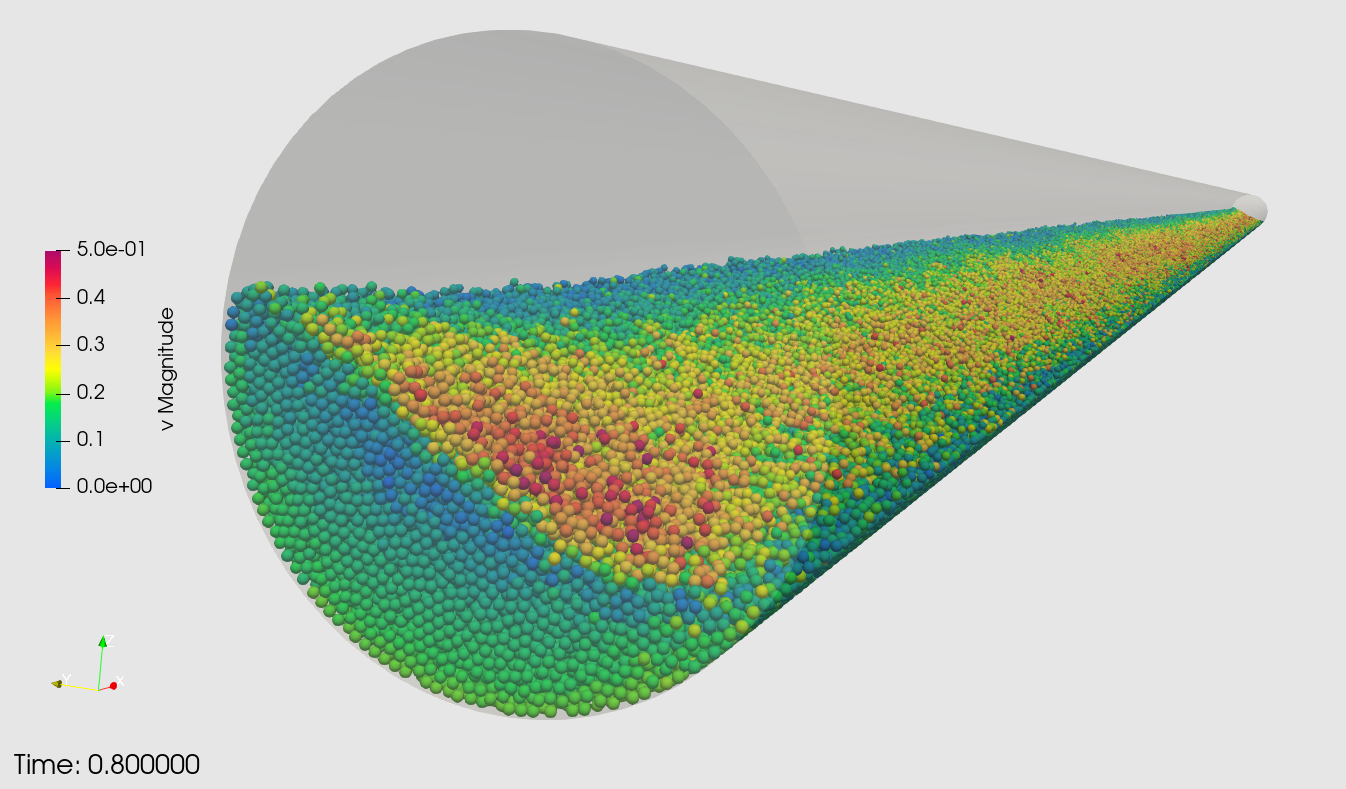
When increasing the particle count to 2e6 particles, the case will stretched along the drum axis
List of specific command line arguments
-generic: Ignores any GPU and runs Aspherix® on the CPU without any multi-threading-openmp: Ignores any GPU and runs Aspherix® on the CPU using OpenMP-list_architectures: Lists all available compute architectures-architecture ARCH: Runs Aspherix® with the architectureARCHthat must be one of the available architectures-cuda_device INDEX: Runs Aspherix® on the device with indexINDEXon a local node
Note
The GENERIC architecture runs the OpenMP version on every CPU. Please note that this is significantly slower than using the GPU. Switch to the CPU version using MPI for best performance on the CPU.
Please refer to the -openmp command line option for information about OpenMP and hybrid MPI/OpenMP runs.